
12 Real-World Uses for NFC Tags (Pro and Everyday)
A pack of NFC tags costs a few dollars and, once written, does one specific job forever with zero app or account needed on the reading end. Here are twelve uses that are actually worth setting up — six for everyday life, six for professional and hobbyist work.
Everyday uses
- WiFi sharing — stick a tag by the door or on the fridge; guests tap and join instantly, no reading passwords aloud.
- Digital business card — a tag on your phone case or wallet opens a New Contact card on a tap, no app required on the other end.
- Pet ID — a tag on a collar opens a page with your pet's name, your notes, and a one-tap call button if they're found. Works on iPhone, Android, or any NFC app — no vet scanner needed.
- Emergency Medical ID — blood type, allergies, conditions, and an emergency contact with a one-tap call button, on a wristband or in a wallet.
- Lost & found labels — keys, luggage, and bikes get a tag with your contact info and an optional reward mention.
- Tap-to-call/text/email presets — a tag by a reception desk or on a support kiosk opens a pre-filled contact action instantly.
Professional and hobbyist uses
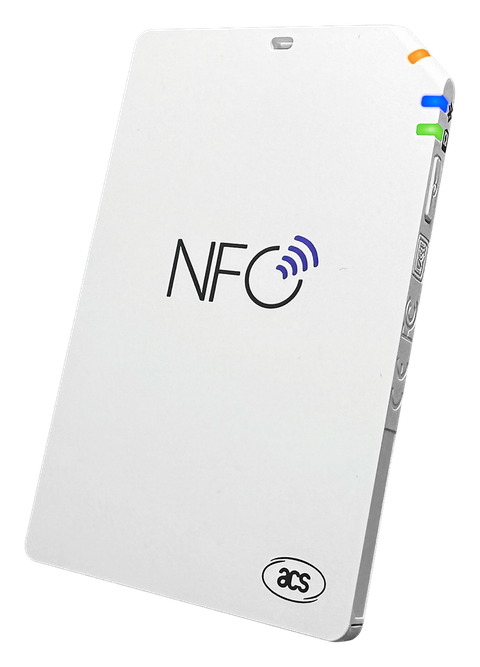
- Access control audits — use an ACR1555U/ACR1255U to run dictionary key attacks against a client's MIFARE Classic badges as part of an authorized physical security assessment.
- Card cloning for authorized testing — clone a MIFARE Classic or magic Gen1A/Gen2 card to verify a reader accepts a duplicate, with the card owner's permission.
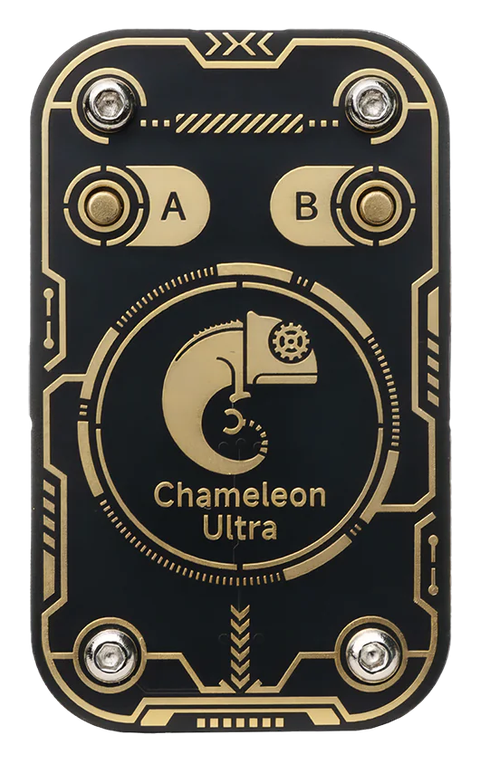
- Chameleon Ultra emulation research — load a card profile into one of 8 emulation slots and study how a target reader responds, without carrying the original card.
- 125 kHz credential work — read and analyze EM410x/HID/ioProx low-frequency credentials alongside HF cards from the same device.
- Inventory and batch provisioning — write the same NDEF payload across a large stack of tags with per-UID key profiles, for makers shipping tagged products.
- MFKey32 detection during pentests — sniff HF traffic between a real card and reader to recover keys used in a live authentication exchange.
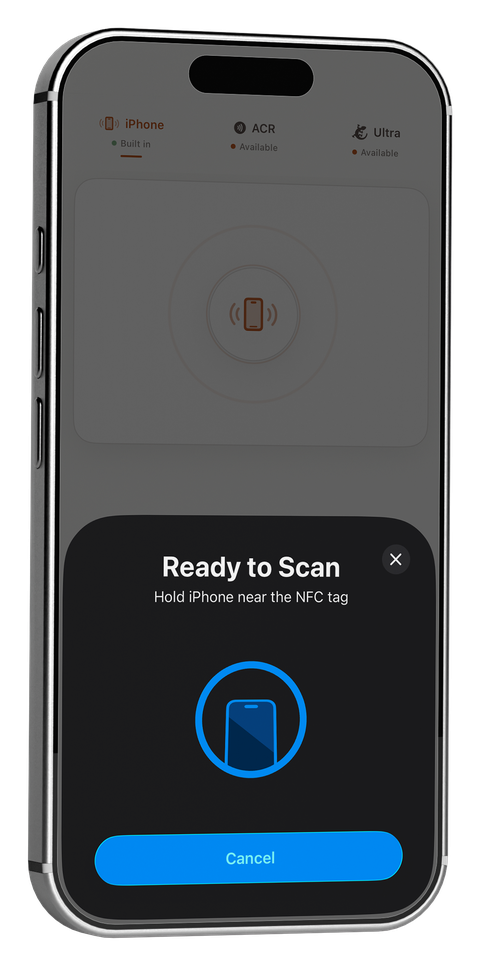
Notice the split: the first six run entirely on an iPhone's built-in NFC, free, no extra hardware. The second six all require MIFARE Classic sector access or emulation that Apple's CoreNFC framework doesn't expose to any app — see iPhone's NFC Limits — and How External Readers Fix Them for why, and what closes the gap.
PocketNFC covers both lists from one app — 14 ready-made Quick Tags for everyday use, plus ACR1555U/ACR1255U and Chameleon Ultra support for the professional side.
Related guides
Cover photo by Tomomarusan (CC BY 2.5), via Wikimedia Commons.
← Back to the blog