The Best NFC App for iPhone: What to Actually Look For
The best NFC app for iPhone does three things well: it reads and writes tags reliably using the iPhone's built-in NFC reader, it supports the tag types people actually use day to day, and it has a real path forward when you hit iOS's NFC limitations instead of failing silently. Every iPhone since the XS has NFC reading built in via Apple's CoreNFC framework, so the app layer is what determines whether that hardware is actually useful — or just good for scanning the occasional poster.
What "best" actually means for an NFC app
Strip away the marketing and there are five things worth checking before you pick one:
- Tag compatibility — does it read and write NTAG213/215/216 and MIFARE Ultralight/EV1, the tag families used in almost every commercial NFC sticker and card?
- Write verification — does it confirm a write actually succeeded, or just fire an NDEF command and hope?
- Ready-made templates — for common jobs (WiFi sharing, a digital contact card, a Pet ID tag) so you're not hand-building NDEF records yourself.
- An upgrade path — what happens when you need MIFARE Classic sector access or DESFire inspection, which iPhone's built-in NFC flatly cannot do?
- Privacy — does it need an account, and does it phone home with your scan history?
Where iPhone's built-in NFC (CoreNFC) stops
This is the part most "best NFC app" comparisons skip. Apple's CoreNFC framework — the API every iPhone NFC app is built on, including this one — cannot access MIFARE Classic sector data or full DESFire application contents, on any app, no matter how it's built. That's an iOS platform restriction, not a missing feature. If an app claims to do full MIFARE Classic key testing using only your iPhone's built-in reader, be skeptical.
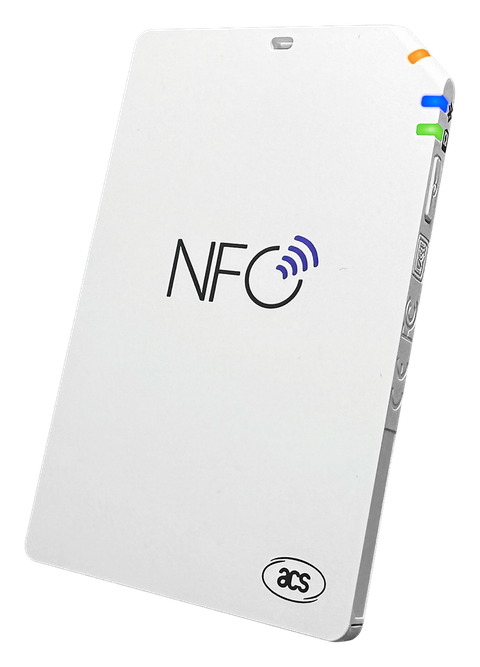
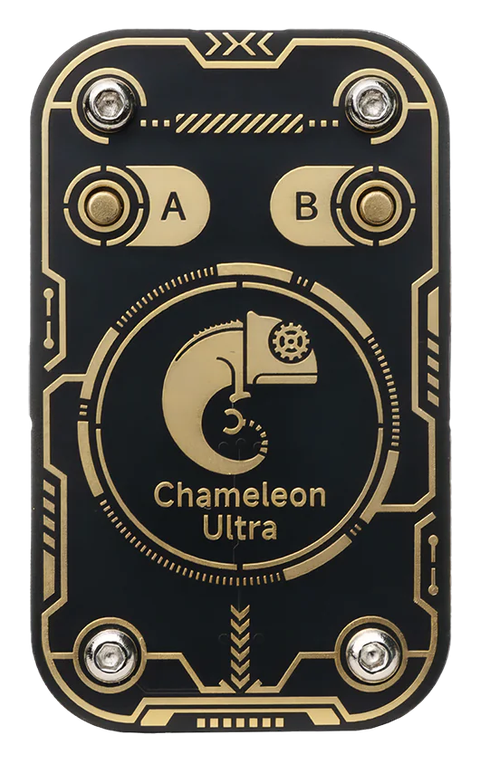
The real way past that wall is external hardware: a Bluetooth reader like the ACR1555U/ACR1255U, or a Chameleon Ultra. Both talk to your iPhone over Bluetooth rather than CoreNFC, which is how they reach sector-level access CoreNFC can't. We cover exactly how that works in iPhone's NFC Limits — and How External Readers Fix Them.
Built-in NFC vs. external readers, side by side
| Task | iPhone's built-in NFC | Needs external hardware |
|---|---|---|
| Read/write NTAG213/215/216 | ✅ Yes | — |
| Read/write MIFARE Ultralight/EV1 | ✅ Yes | — |
| WiFi share, contact card, Pet ID, etc. | ✅ Yes | — |
| MIFARE Classic sector read / key testing | ❌ Not possible | ACR1555U / ACR1255U or Chameleon Ultra |
| DESFire application inspection | ❌ Not possible | ACR1555U / ACR1255U |
| Card emulation | ❌ Not possible | Chameleon Ultra |
Why PocketNFC fits this
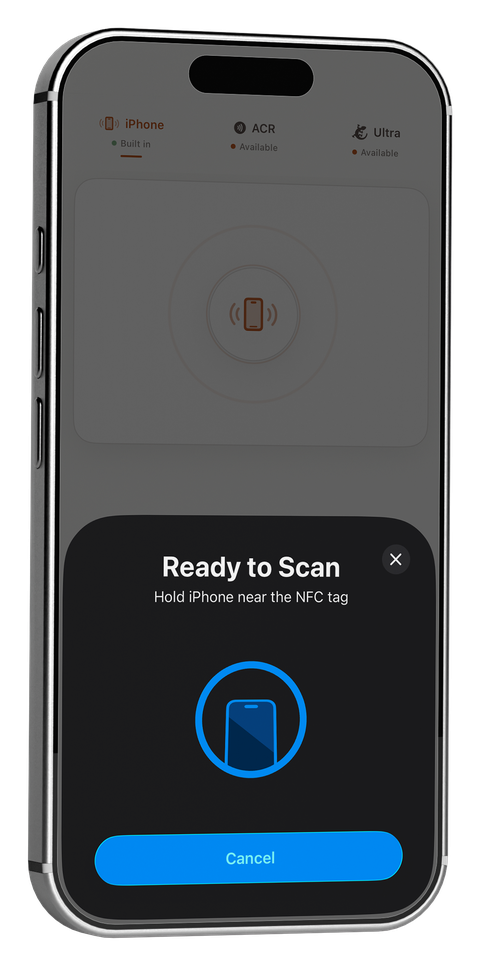
PocketNFC is built around this exact split. The iPhone tab handles everyday reading and writing — including 14 ready-made Quick Tags for WiFi sharing, digital business cards, Pet ID, Emergency Medical ID, and more — for free, with no account. When you need to go further, connecting an ACR1555U/ACR1255U or Chameleon Ultra unlocks MIFARE Classic key testing, DESFire inspection, and card emulation from the same app — see what PocketNFC's Chameleon Ultra support specifically covers. For what that looks like in practice, see 12 real-world uses for NFC tags.
PocketNFC reads and writes NFC tags with your iPhone's built-in NFC — free, no account required — and scales up to MIFARE Classic and DESFire work with an ACR1555U/ACR1255U or Chameleon Ultra connected.
Frequently asked
Does the best NFC app for iPhone need extra hardware?
No — for reading and writing the tag types most people use (NTAG213/215/216, MIFARE Ultralight/EV1), the iPhone's built-in NFC is enough. Extra hardware only comes in for MIFARE Classic sector access, DESFire inspection, or card emulation.
Can any iPhone app read MIFARE Classic cards without extra hardware?
No. This is a limitation of Apple's CoreNFC framework itself, not any individual app — no iPhone app can read MIFARE Classic sector data without a connected external reader.