NTAG vs MIFARE Classic vs DESFire: Which NFC Tag Do You Need?
NTAG, MIFARE Ultralight, MIFARE Classic, and DESFire are the four NFC tag families that cover almost everything you'll run into. They differ mainly in memory size, price, and how much security they offer — not in whether they "work" with NFC in general. Picking the right one up front saves you from buying tags that either can't hold what you need or cost far more security than your project requires.
NTAG213 / NTAG215 / NTAG216 — the everyday default
NXP's NTAG21x family is what almost every commercial NFC sticker, card, and keyring tag uses. They're cheap, read and write in a fraction of a second, and work with any iPhone's built-in NFC reader — no extra hardware.
- NTAG213 — 144 bytes usable. Enough for a URL, a WiFi credential, or a short vCard. The cheapest option and the right default for most Quick Tag use cases.
- NTAG215 — 504 bytes usable. Enough headroom for a longer vCard or a WiFi tag with a long password.
- NTAG216 — 888 bytes usable. Use this if you're writing a large NDEF message and keep hitting "too large" warnings on NTAG213/215.
None of the NTAG21x family has meaningful access control beyond an optional password lock — they're designed to be read openly. That's the right trade-off for a business card or WiFi tag; it's the wrong one for a badge that gates a door.
MIFARE Ultralight / EV1 — the low-cost alternative
Similar price point and use case to NTAG21x, and also readable/writable directly from an iPhone's built-in NFC. You'll mostly encounter these in transit cards and event wristbands rather than buying them yourself for a Quick Tag project — NTAG21x is the more common retail choice for that.
MIFARE Classic 1K / 4K — sector-based, and iPhone can't fully touch it
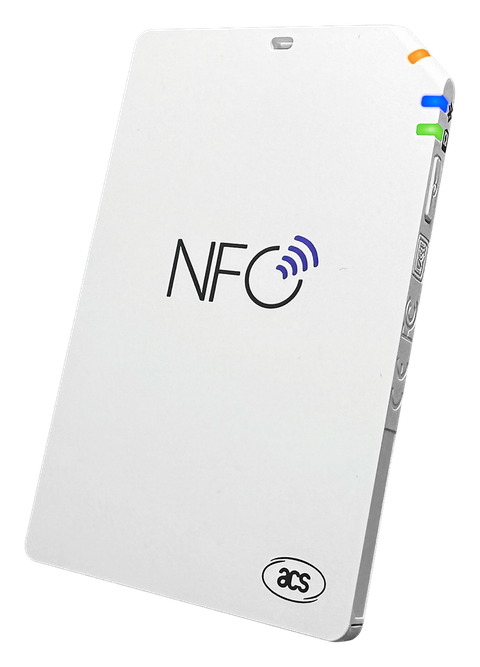
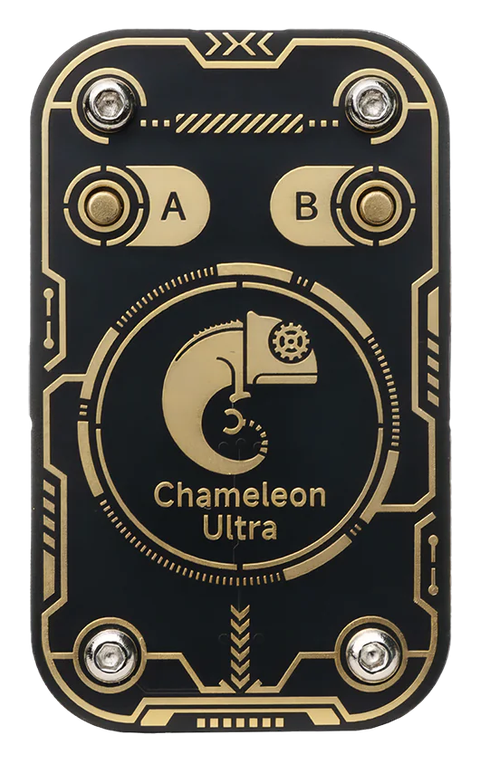
MIFARE Classic organizes its memory into protected sectors, each gated by its own key — which is exactly why it's still used for access badges, transit passes, and hotel key cards despite being an older standard. It's also why no iPhone app can read or write MIFARE Classic sector data using only the built-in NFC reader — Apple's CoreNFC framework doesn't expose that level of access to any app. Working with MIFARE Classic sectors from an iPhone requires a Bluetooth reader like the ACR1555U/ACR1255U or a Chameleon Ultra. See iPhone's NFC Limits — and How External Readers Fix Them for the full explanation.
DESFire — the higher-security option
DESFire (EV1/EV2/EV3) uses real cryptographic authentication (AES/3DES) per application rather than the weaker cipher MIFARE Classic relies on, which is why it's the standard for modern access control and transit systems that need to resist cloning. Like MIFARE Classic, full application and free-memory inspection needs an external reader — CoreNFC can't reach it either.
Quick reference
| Tag type | Typical use | Works with iPhone alone? |
|---|---|---|
| NTAG213/215/216 | Stickers, business cards, WiFi/Quick Tags | ✅ Yes |
| MIFARE Ultralight/EV1 | Transit cards, wristbands | ✅ Yes |
| MIFARE Classic 1K/4K | Access badges, hotel keys, older transit | ❌ Needs ACR reader or Chameleon Ultra |
| DESFire EV1/2/3 | Modern access control, transit | ❌ Needs ACR reader |
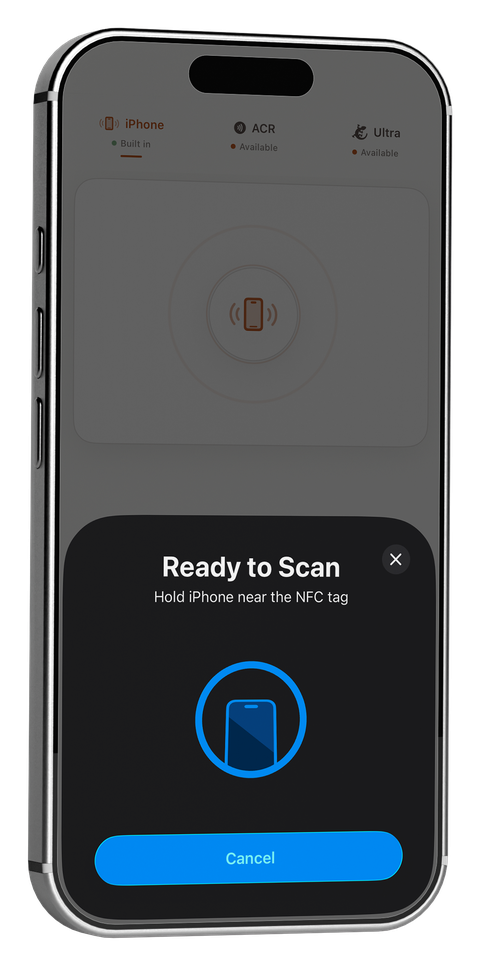
PocketNFC reads and writes NTAG213/215/216 and MIFARE Ultralight/EV1 with your iPhone's built-in NFC, and adds MIFARE Classic and DESFire support the moment you connect an ACR1555U/ACR1255U or Chameleon Ultra.
Related guides

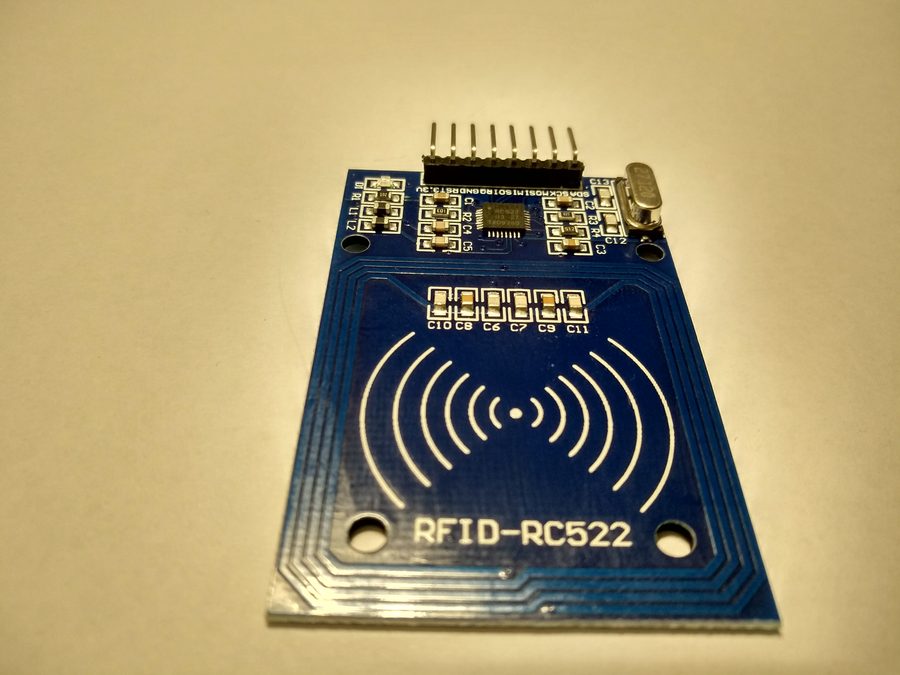
Cover photo: RFID-RC522 module by Giacomo Alessandroni (CC BY-SA 4.0), via Wikimedia Commons.
← Back to the blog