iPhone's NFC Limits — and How External Readers Fix Them
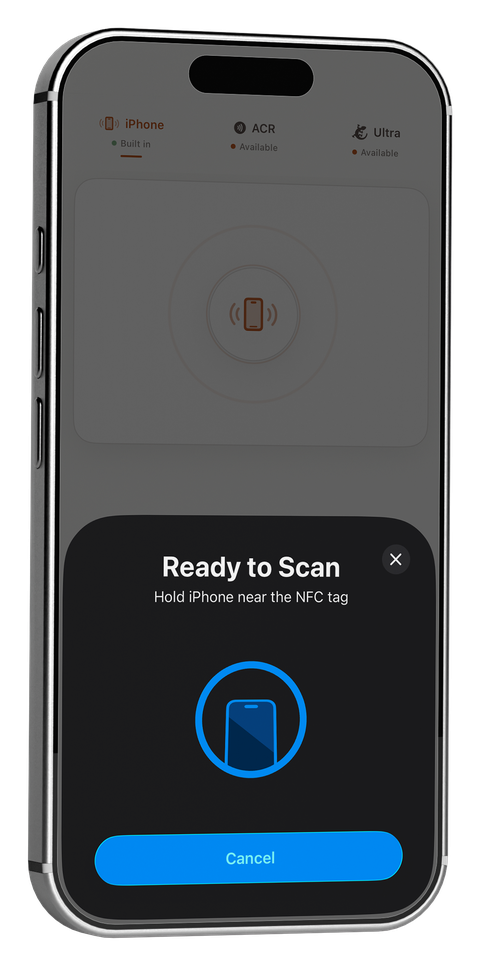
Apple's CoreNFC framework — the only way any app can talk to an iPhone's built-in NFC reader — cannot access MIFARE Classic sector data or full DESFire application contents, on any app, from any developer. It's not a bug and it's not a missing feature you can code around; it's a deliberate restriction Apple puts on the framework itself. If you need that level of access from an iPhone, the only way there is external hardware that talks to your phone over Bluetooth instead of CoreNFC.
What CoreNFC can and can't do
CoreNFC handles NDEF reading and writing for NTAG213/215/216 and MIFARE Ultralight/EV1 tags well — that covers the vast majority of commercial NFC stickers, cards, and Quick Tag use cases. What it cannot do, on any iOS app:
- Read or write individual sectors on a MIFARE Classic 1K/4K card
- Run dictionary or key-recovery attacks against MIFARE Classic keys
- Inspect DESFire applications or free memory
- Emulate a card so an iPhone appears as a tag to another reader
This matters because MIFARE Classic is still extremely common in the wild — office access badges, transit cards, hotel key cards, and older loyalty systems overwhelmingly use it. Being unable to touch it isn't a niche gap.
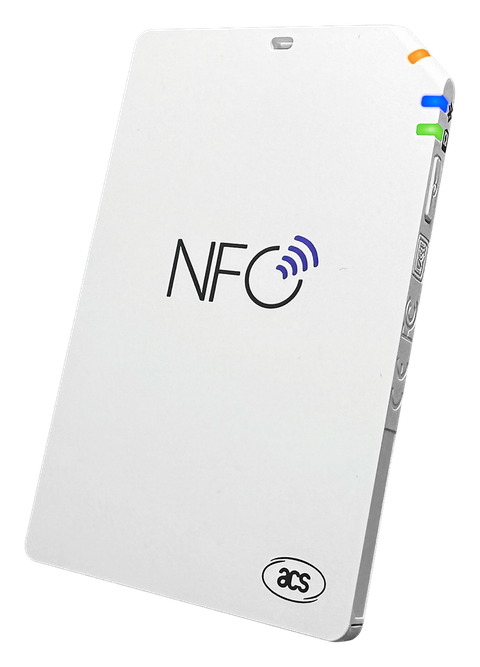
Option 1: A Bluetooth smart card reader (ACR1555U / ACR1255U)
These are Bluetooth-connected smart card readers from ACS that speak PC/SC-style commands over a wireless link, bypassing CoreNFC entirely. Paired with an app that supports them, they give you:
- Full MIFARE Classic 1K/4K sector reads and dictionary key attacks
- DESFire application and free-memory inspection
- Dump restore and card cloning
This is the right choice if your work is mostly card reading and key testing — access control audits, card cloning for authorized testing, or inventory work across a stack of cards.
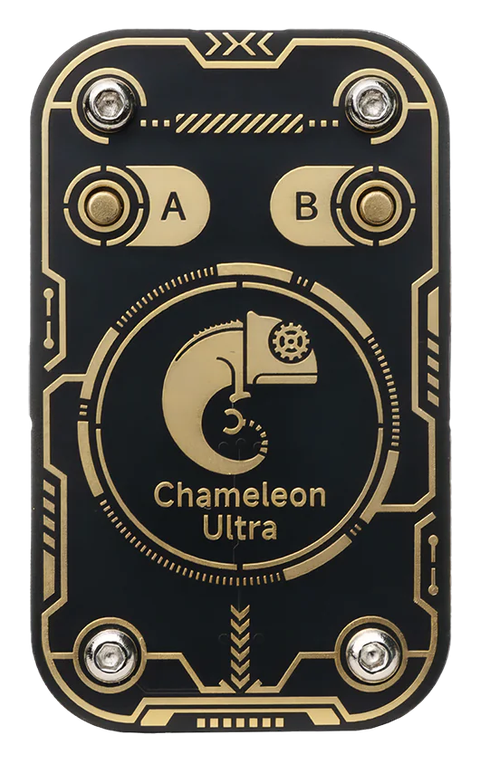
Option 2: Chameleon Ultra
The RFID Research Group's Chameleon Ultra goes a step further than reading — it can become a card. Beyond MIFARE Classic key acquisition (nested, static-nested, darkside, and hardnested attacks), it adds:
- 8-slot card emulation, so it can present as a saved card to another reader
- Magic Card Gen1A/Gen2 read, write, and clone
- HF/LF sniffing and 125 kHz EM410x/HID/ioProx credential support
- Value block increment/decrement and ISO14443-4 APDU emulation
This is the right choice if your work involves emulation, low-frequency credentials, or you want one device that both attacks and impersonates a card, not just reads one. For the full rundown of the Chameleon Ultra NFC app landscape on iPhone, see The Chameleon Ultra NFC App for iPhone: What PocketNFC Supports.
Which one do you actually need?
| If you mainly need to… | Get this |
|---|---|
| Read/write NTAG or MIFARE Ultralight tags, Quick Tags | Nothing extra — iPhone's built-in NFC covers this |
| Test MIFARE Classic keys, inspect DESFire cards | ACR1555U or ACR1255U |
| Emulate cards, sniff HF/LF, work with 125 kHz credentials | Chameleon Ultra |
See current pricing and links on the Hardware page.
PocketNFC pairs with the ACR1555U, ACR1255U, and Chameleon Ultra over Bluetooth — the same app you use for everyday tag reading and writing scales straight up into MIFARE Classic key testing and card emulation.