Every tag,within reach.
The most capable NFC toolkit for iPhone. No extra hardware to get started.
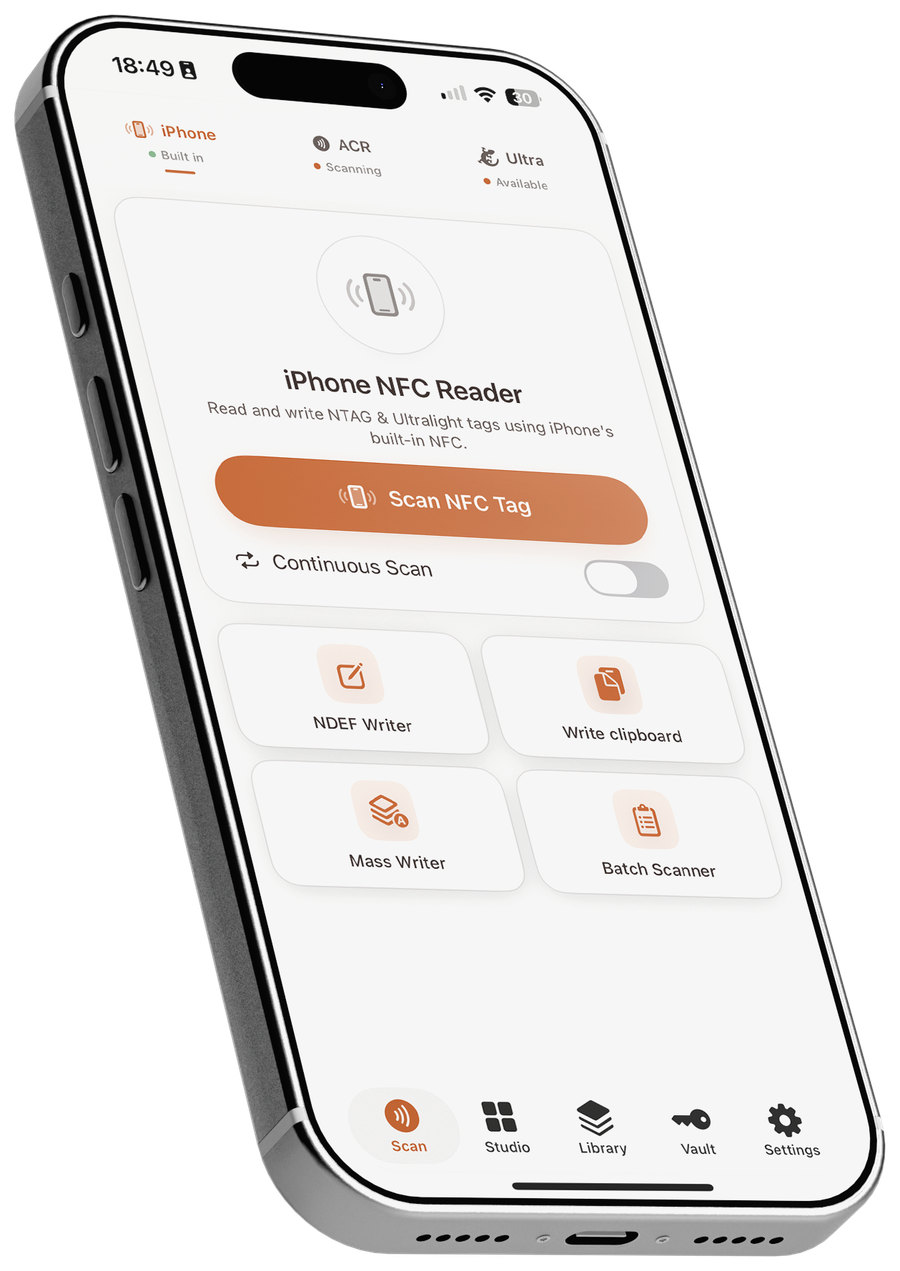
Three ways in, one app.
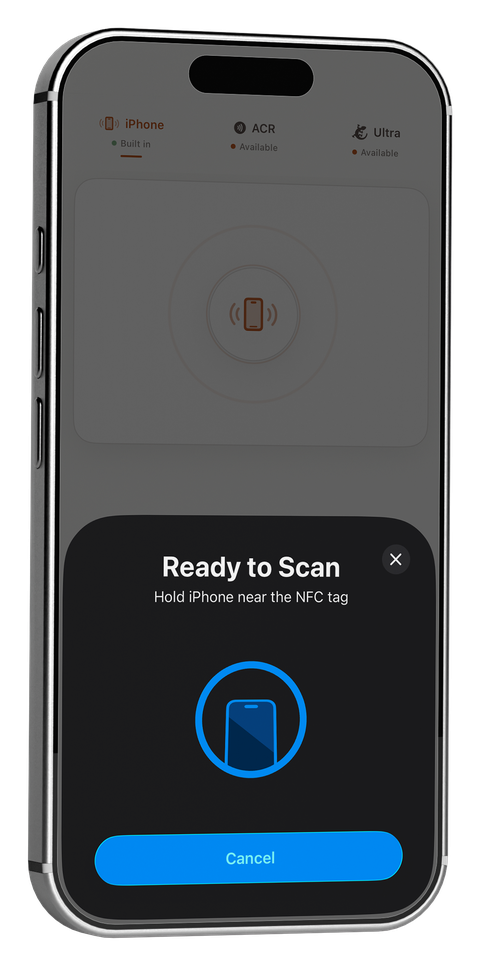
iPhone
Your iPhone's own NFC antenna — nothing else to buy to get started.
Built-in NFC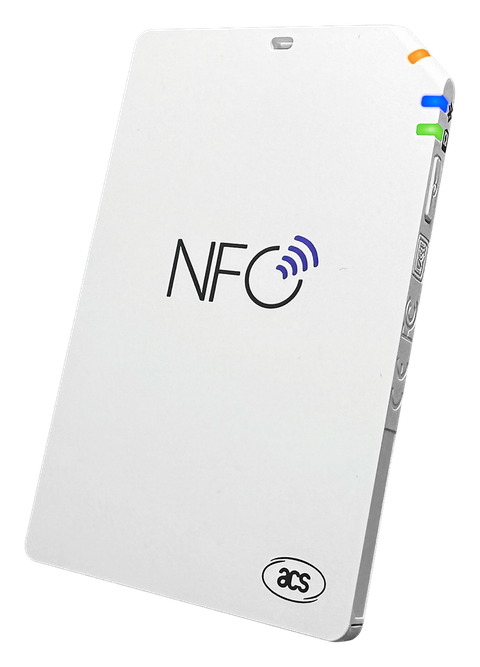
ACR1555U / ACR1255U
ACS's Bluetooth readers, for sector-level MIFARE Classic and DESFire access.
Bluetooth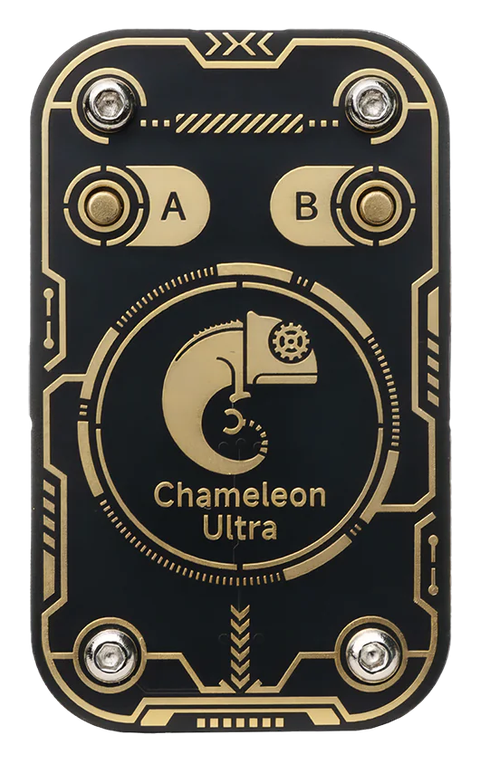
Chameleon Ultra
The RFID Research Group's hardware, for emulation and key recovery.
BluetoothThe best NFC app for iPhone, explained.
What's the best NFC app for iPhone?
PocketNFC reads and writes tags using your iPhone's built-in NFC — no extra hardware required — and goes further than most NFC apps with MIFARE Classic key testing, DESFire inspection, and Chameleon Ultra emulation when you need it.
Is PocketNFC an iOS NFC app?
Yes — PocketNFC is built for iOS and runs entirely on iPhone. It uses Apple's CoreNFC framework for built-in tag reading and writing, and adds Bluetooth support for the ACR1555U/ACR1255U and Chameleon Ultra for the work CoreNFC can't do on its own.
Is there a Chameleon Ultra app for iPhone?
Yes. A couple of general slot/firmware GUI apps exist for Chameleon Ultra on iOS; PocketNFC pairs with it over Bluetooth and adds a deeper security-research toolset in the same app you use for everyday NFC — 8-slot emulation with a live key-check grid, nested/static-nested/darkside/hardnested key recovery, Magic Card Gen1A/Gen2 cloning, HF/LF sniffing, MFKey32 detection, and 125 kHz EM410x/HID/ioProx credentials.
Do I need extra hardware to read or write NFC tags on iPhone?
No. Your iPhone's built-in NFC reader handles NTAG213/215/216 and MIFARE Ultralight/EV1 tags directly — reading, writing, and all 14 Quick Tags (WiFi sharing, digital business cards, Pet ID and more) work with just your phone.
Can PocketNFC read MIFARE Classic cards?
MIFARE Classic sector data isn't accessible through Apple's CoreNFC framework on any iPhone app — that's an iOS platform limitation, not just this app. PocketNFC works around it by pairing with an ACR1555U/ACR1255U Bluetooth reader or a Chameleon Ultra for full sector reads and dictionary key attacks.
What NFC tags does PocketNFC support?
NTAG213, NTAG215, NTAG216, and MIFARE Ultralight/EV1 with the iPhone's built-in reader; MIFARE Classic 1K/4K and DESFire once an ACR1555U/ACR1255U or Chameleon Ultra is connected.
Is PocketNFC free?
Yes — PocketNFC is free to start, with no account required.
Does PocketNFC track my data?
No accounts and no analytics — scans and tag data stay on your device.
The best NFC app for iPhone. Free to start.
No account required. Read and write tags today, then add MIFARE Classic, DESFire, and Chameleon Ultra support whenever you're ready.
Join the TestFlight Beta